
Feature · 04
Agent notifications
When an Agent finishes a turn of work on your Mac, pass a minimal event to bluebell and let system notifications alert you on your Apple devices.
Product scope
bluebell receives completion events; it does not guess
You can connect any Agent workflow that can run a local command at a clearly defined completion point. bluebell does not scan installed tools, edit their configuration automatically, or infer completion from terminal text or process exits.
Choose a genuine completion signal using the official protocol for your tool and version. Waiting for approval, a tool call, a finished subtask, or an entire session exiting does not necessarily mean “this turn is complete.”
Data path
From your tool to a system notification
- Tool hook / plugin
- →
- bluebellctl
- →
- Mac Event Hub
- →
- CloudKit
- →
- System notification
Every tool feeds into the same CodingEvent boundary. bluebellctl submits events only through a local Unix Domain Socket. Deduplication, history, Mac notifications, the CloudKit outbox, and retries all live inside bluebell Mac.
Mac controls
The delivery switch controls only remote delivery
“Deliver to Watch and iPhone” in bluebell Mac is on by default. Turning it off clears the remote outbox. Unsettled candidates and newly received events stay on Mac. Local history, deduplication IDs, and the separate Mac notification setting remain unchanged.
Turning it on again sends only newly received events. It does not replay events from before or during the off period. Requests already submitted to CloudKit cannot be withdrawn and may still produce delayed notifications.
Device behavior
What Mac, iPhone, and Watch each do
| Device | Behavior |
|---|---|
| Mac | Receives events, settles duplicates over 2 seconds, stores local history, optionally shows local notifications, and manages the cloud queue and retries. |
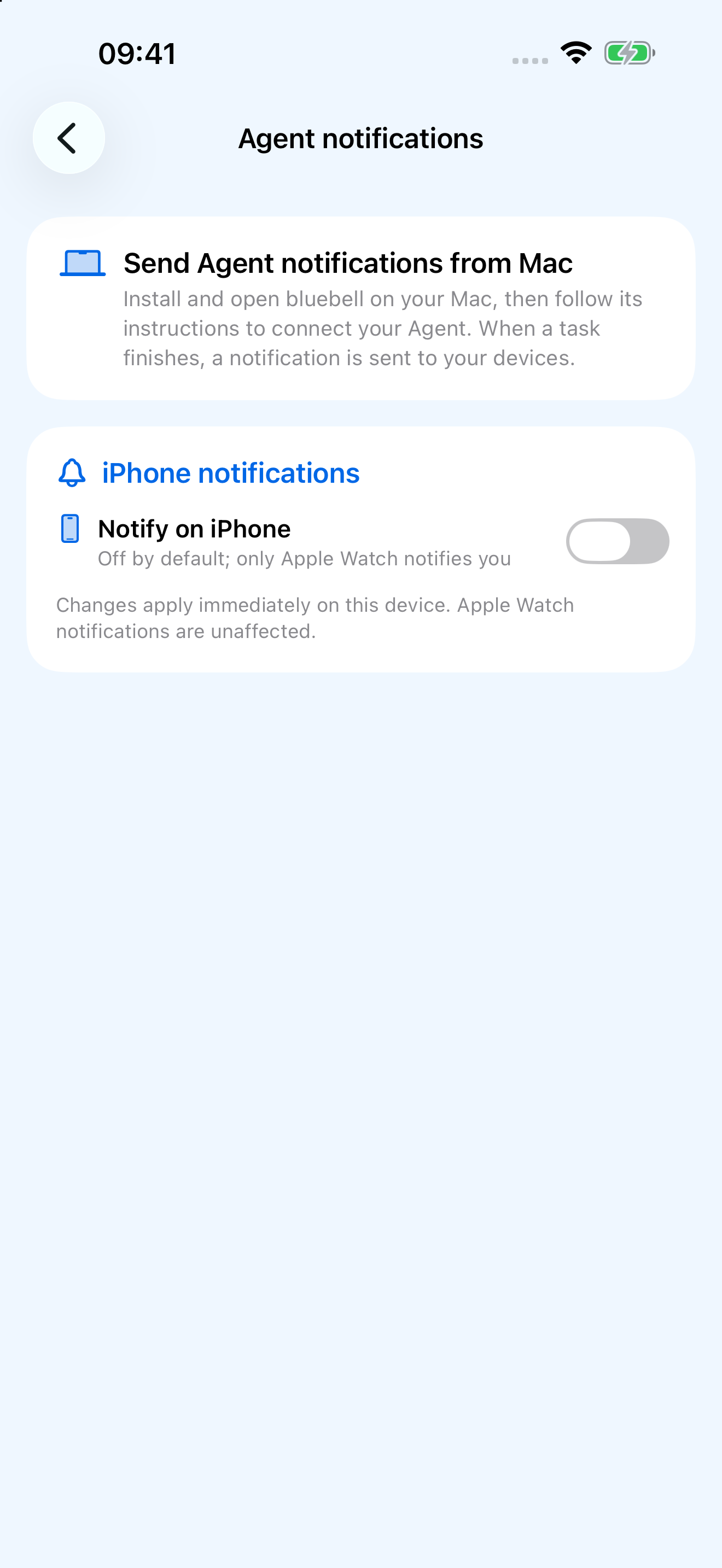
| iPhone | Keeps recent events and does not participate in remote alerts by default. Enabling the switch registers for the same system notification; Apple decides where it appears. |
| Apple Watch | Receives system notifications. The bell button on the Agent page only previews the local notification haptic; it does not confirm remote delivery. |
Reliability
“Accepted” does not mean “delivered”
Exit code 0 from bluebellctl means the Mac app safely accepted the event, including a duplicate. It is not a receipt from Watch. “Queued” on Mac likewise means only that the event entered the local persistent workflow.
A successful CloudKit write still does not guarantee immediate delivery to every device. Pushes may be coalesced or delayed. Network conditions, notification permissions, Focus, wrist state, and Apple’s notification routing all affect presentation. bluebell uses stable event IDs and fetched records to fill in history, but does not promise exactly-once or instant delivery.
Minimal data
Conversations and source code are not uploaded automatically
CloudKit records contain only the event ID, source, type, project display name, short summary, notification body, occurrence time, and a randomly generated source-device ID.
Full workspace paths, session / turn IDs, deduplication keys, raw payloads, prompts, transcripts, and source code are not automatically uploaded. Full paths may be stored locally on Mac. Text you enter in a source name, project name, summary, or notification body can still contain sensitive information; include only what the reminder needs.